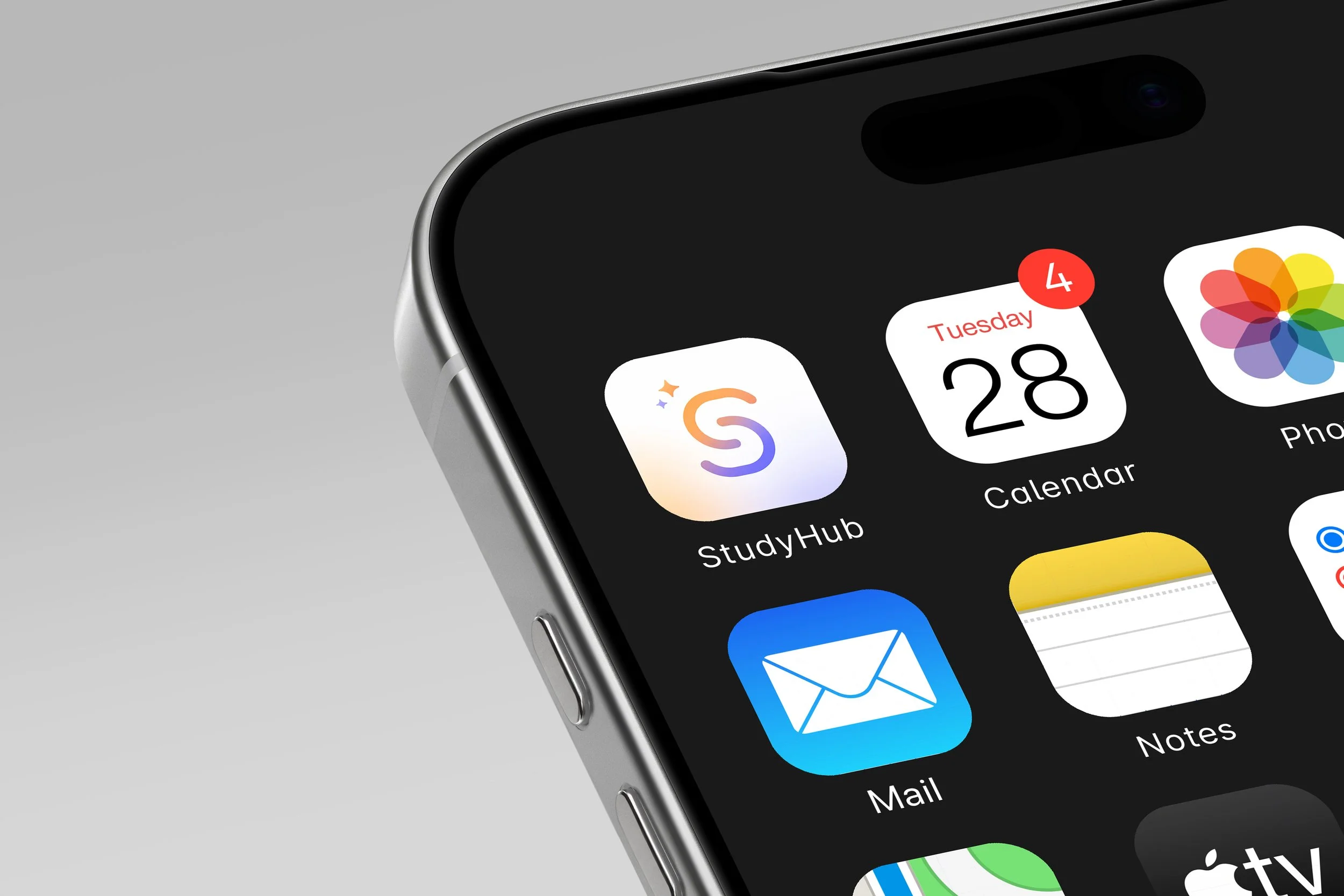
A mobile-first study companion, addressing the anxiety, friction, and cognitive overload students experience every day. Currently being developed for further testing.
StudyHub connects to Canvas to surface urgent tasks, protect focused study sessions, and hand off directly into tools like Google Slides, Keynote, and Canva.

Students check Canvas up to 15 times a day.

Most of those visits end in frustration.
Friction, inconsistency, and cognitive overload.
Every professor organizes Canvas differently. Deadlines hide in announcements, navigation changes from course to course, and mobile views feel unreliable.
Deadline anxiety
Information lives scattered across modules, announcements, and separate calendar feeds.
Inconsistent structure
Each course follows a different layout logic, forcing students to re-learn the app every semester.
Mobile friction
Hidden action links and frequent crashes make quick updates feel unnecessarily stressful.

32 students, 3 universities, 4 weeks of research.
Students want fewer places to search.
"I spend more time hunting through Canvas for deadline details than actually doing my coursework."

Emily Chen
Junior CS MajorWhat drives Emily
Clear Priority Feed
Wants a single daily view that ranks assignments across all 5 courses by actual deadline urgency.
Uninterrupted Momentum
Aims to launch directly from assignment prompts into work without switching platforms manually.
Peace of Mind
Desires confidence that no hidden professor announcement slipped past unnoticed.
Where friction occurs
Inconsistent Layouts
Every professor organizes Canvas differently, forcing her to search through modules and announcements.
Mobile App Crashes
Frequent timeouts when attempting to upload assignment files or check grades quickly between classes.
Fragmented Notifications
Gets spammed with minor grade updates while critical due date shifts remain buried in long posts.
Interaction & Delivery Preferences
Mobile First Experience
Optimized for quick status checks on her phone while walking between campus buildings.
Smart Event Alerts
Only receive push notifications when priorities shift or assignment prompts undergo updates.
Direct Handoff
One-tap integration that opens Google Slides, Keynote, or Canva with pre-configured project files.
Interrupting the cycle of uncertainty.
Designed for momentum.
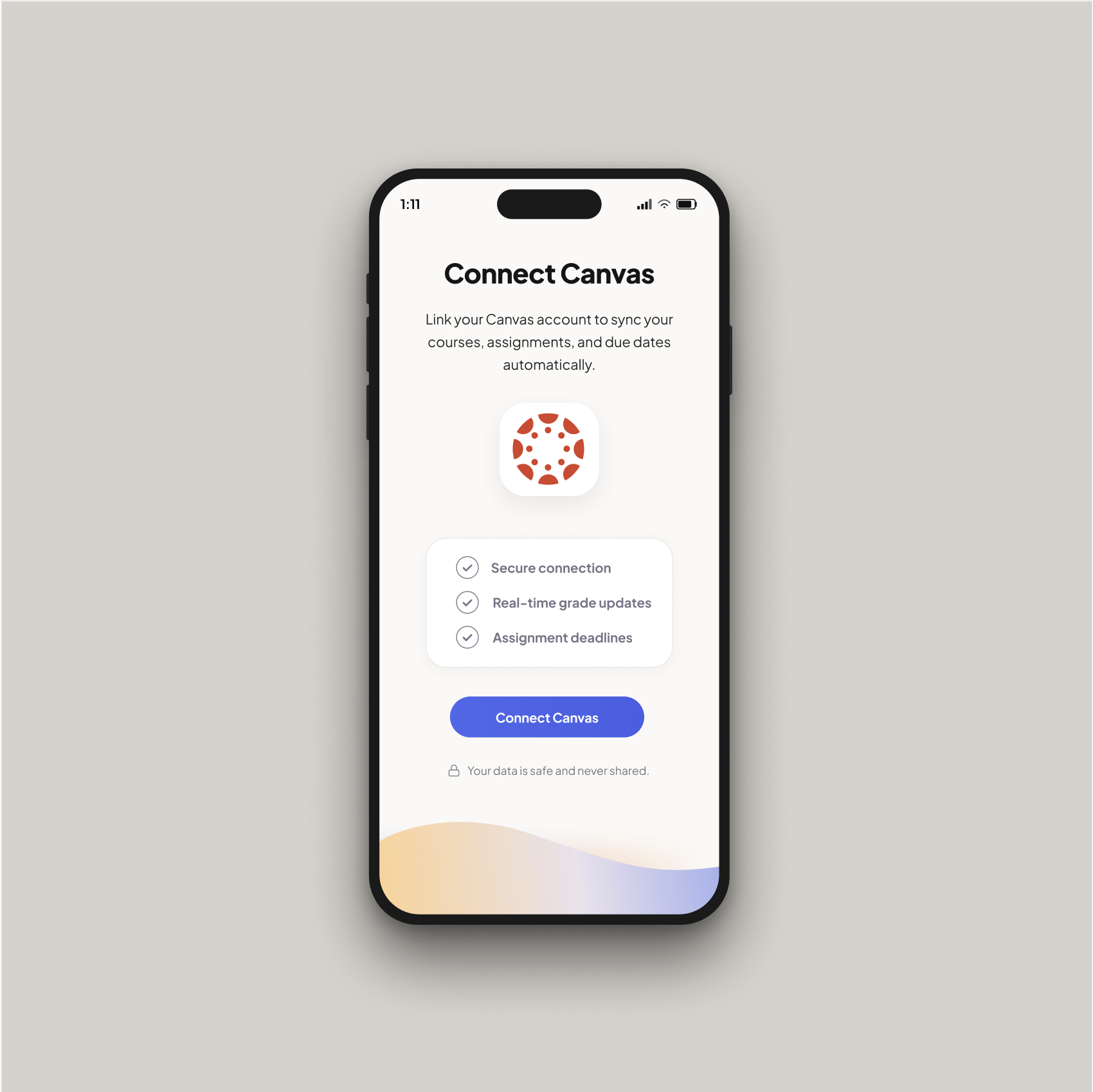
Connect Canvas
Seamlessly syncs with the student's Canvas account in seconds, securely importing course modules, assignments, and due dates directly into a single unified workspace.
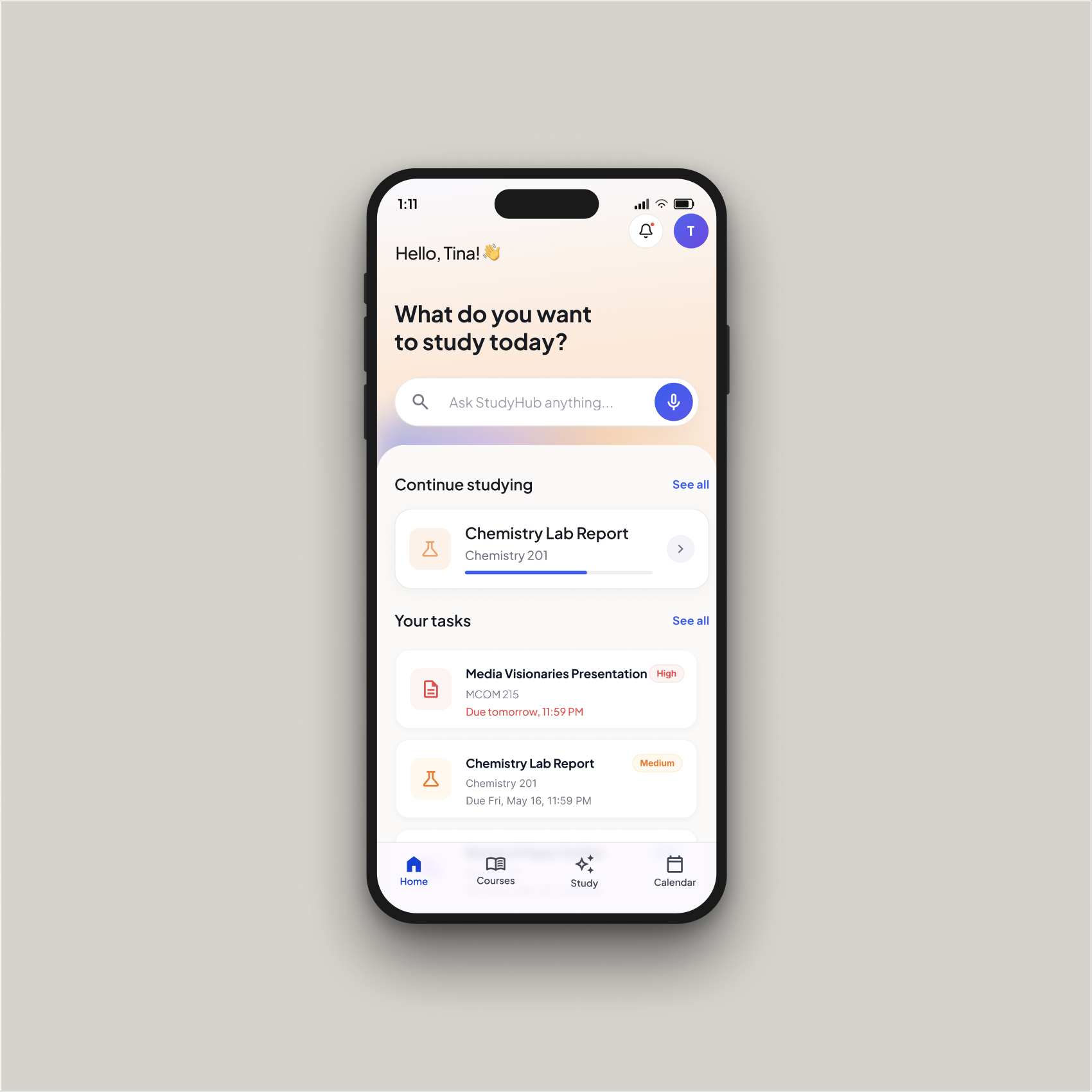
The Home Screen
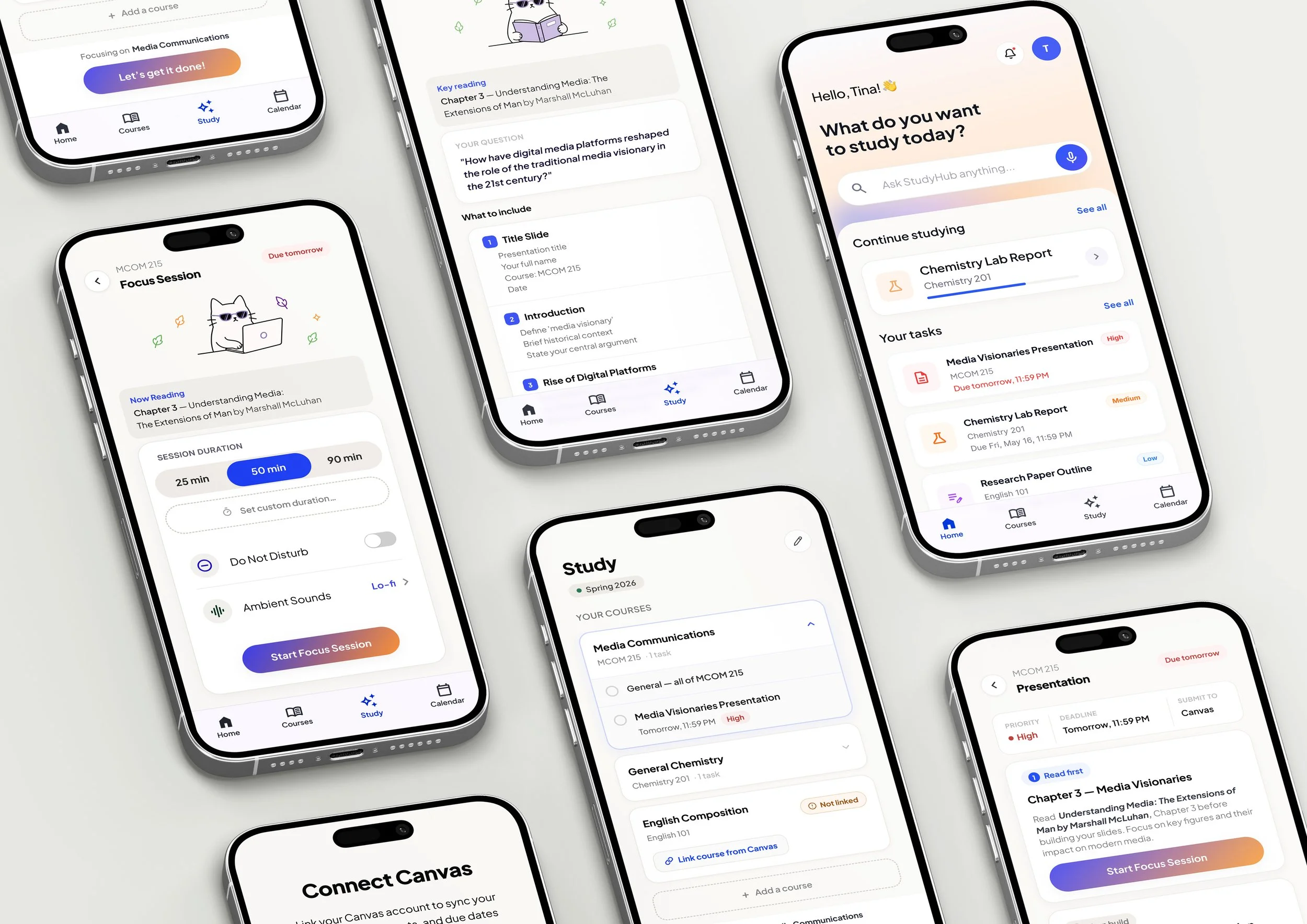
Opens on a simple prompt: "What do you want to study today?" Below it, live cards pick up where the student left off, paired with priority-tagged tasks ordered strictly by deadline.
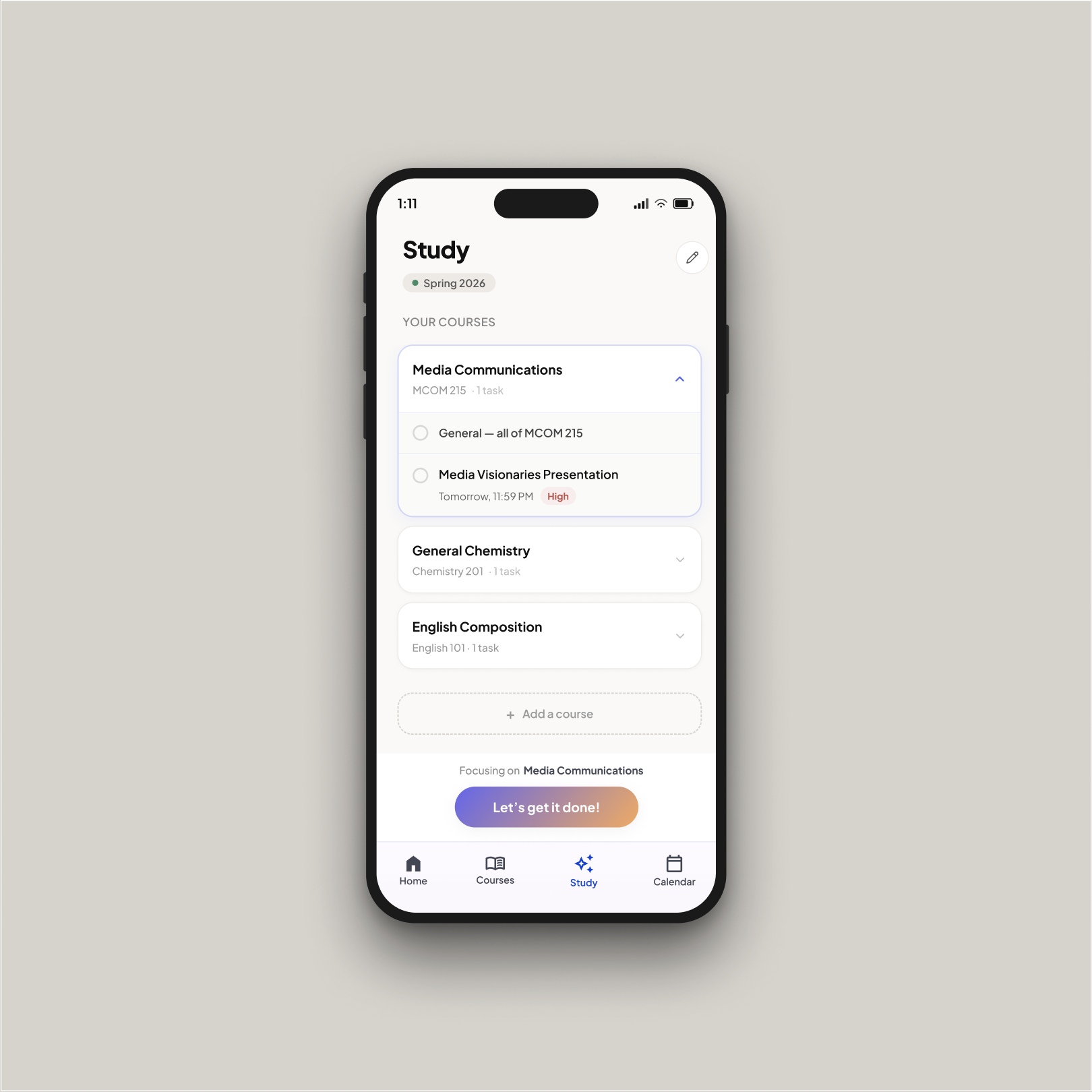
The Study View
Every course lives in a consistent collapsible card. A single action focuses the student on one course at a time instead of forcing them to manage the entire semester at once.
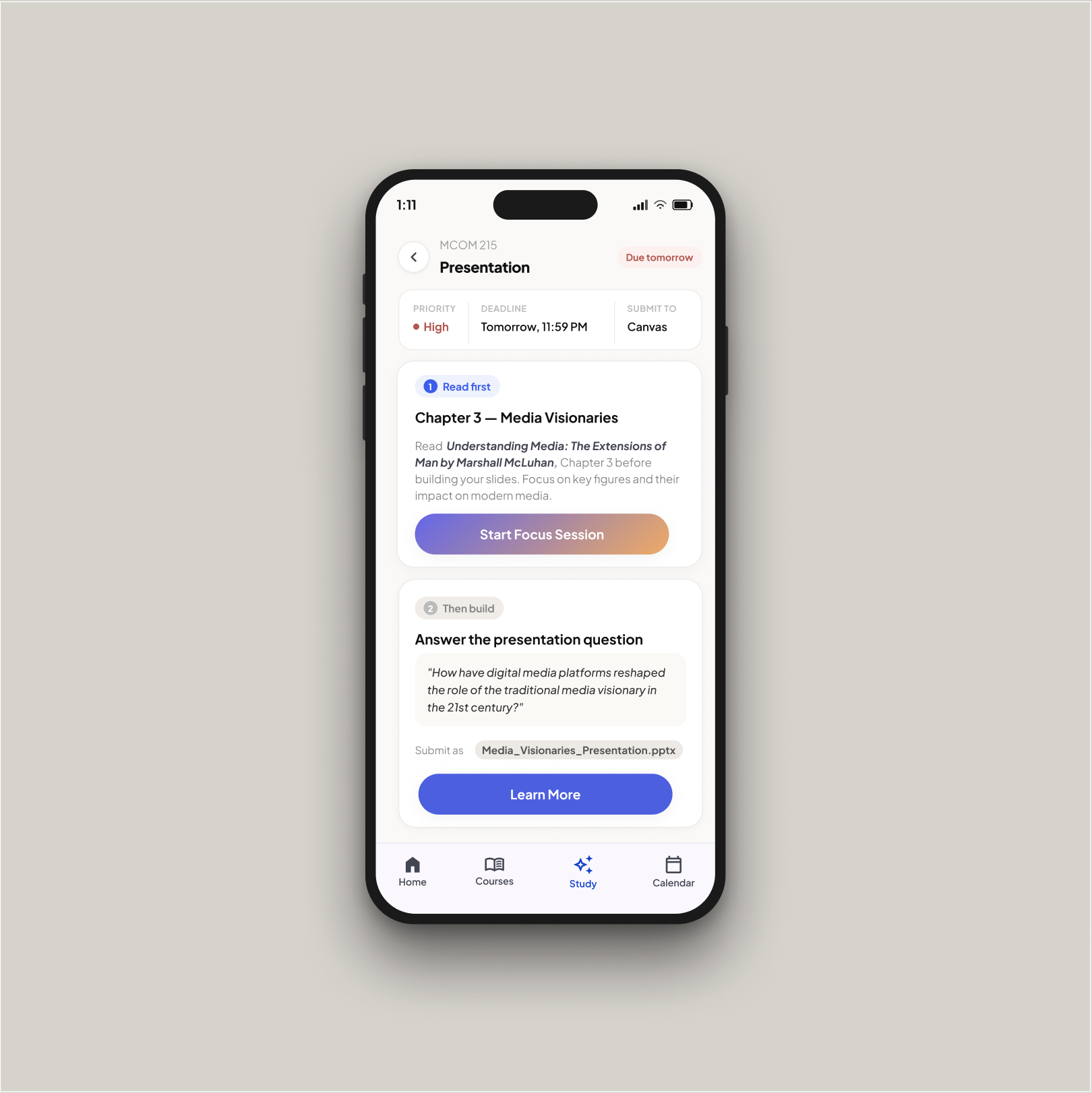
The Assignment
Breaks deliverables into a clear step-by-step path. One tap hands off directly into Google Slides, Keynote, or Canva with file names and assignment details pre-loaded.
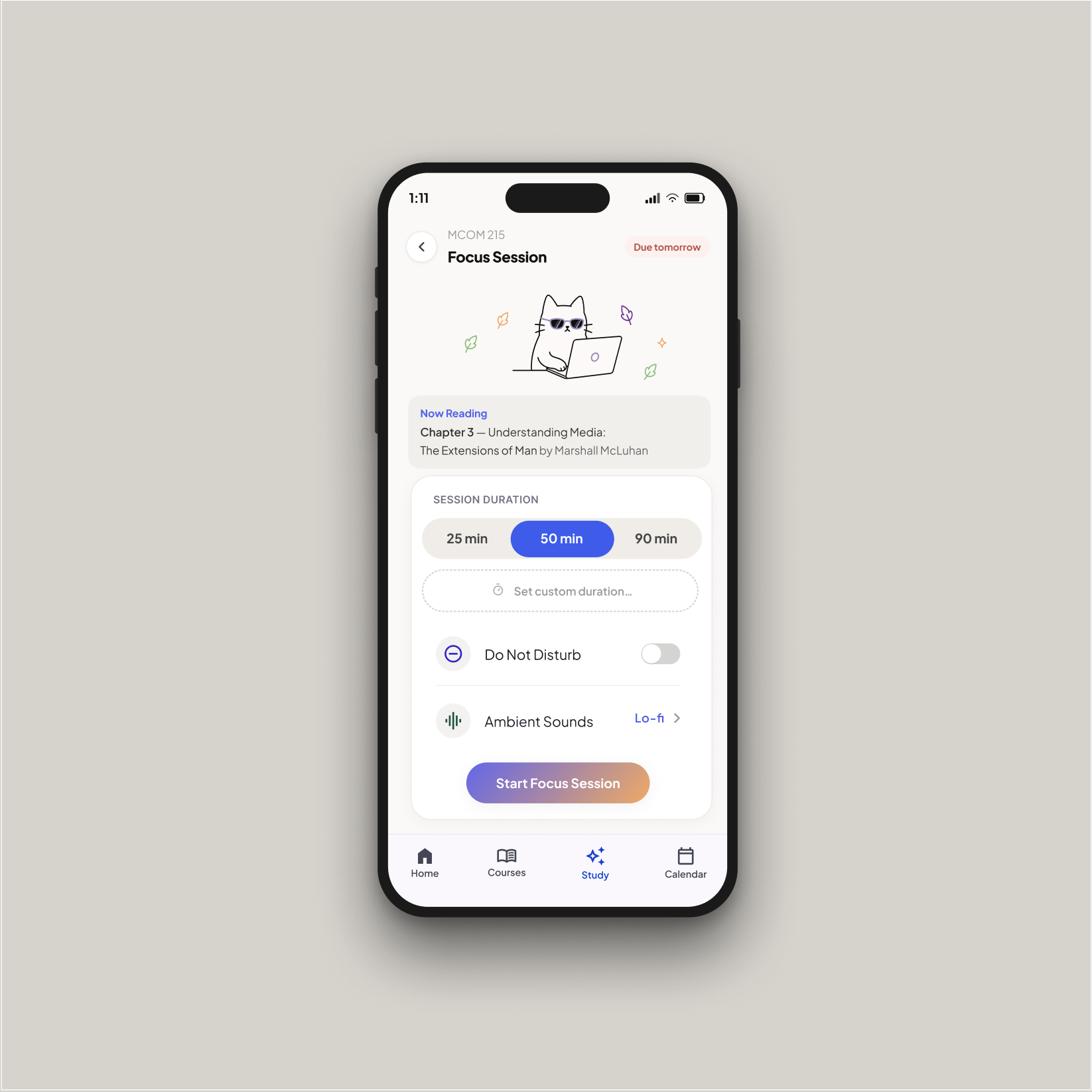
Focus Mode
Pairs readings with a timer, Do Not Disturb, and ambient sound so study sessions start instantly and stay uninterrupted.
Expected results and rollout.
Faster task finding in prototype testing
Preferred the priority layout over native Canvas
Target reduction in deadline confusion
Currently in development.
StudyHub is an ongoing project. Early testing results are encouraging, and we are currently gathering feedback from students across different majors and course loads to refine the experience.
Project Team
Alireza Hamedbaghi — CS Student
Mahsa Damadifar — Psychology Student